Ghostty 1.4 is less about polish than throughput, compatibility and remote sessions
Ghostty 1.4 brings faster I/O, lower memory use, complete Kitty graphics support, better SSH handling and tighter terminal compatibility.
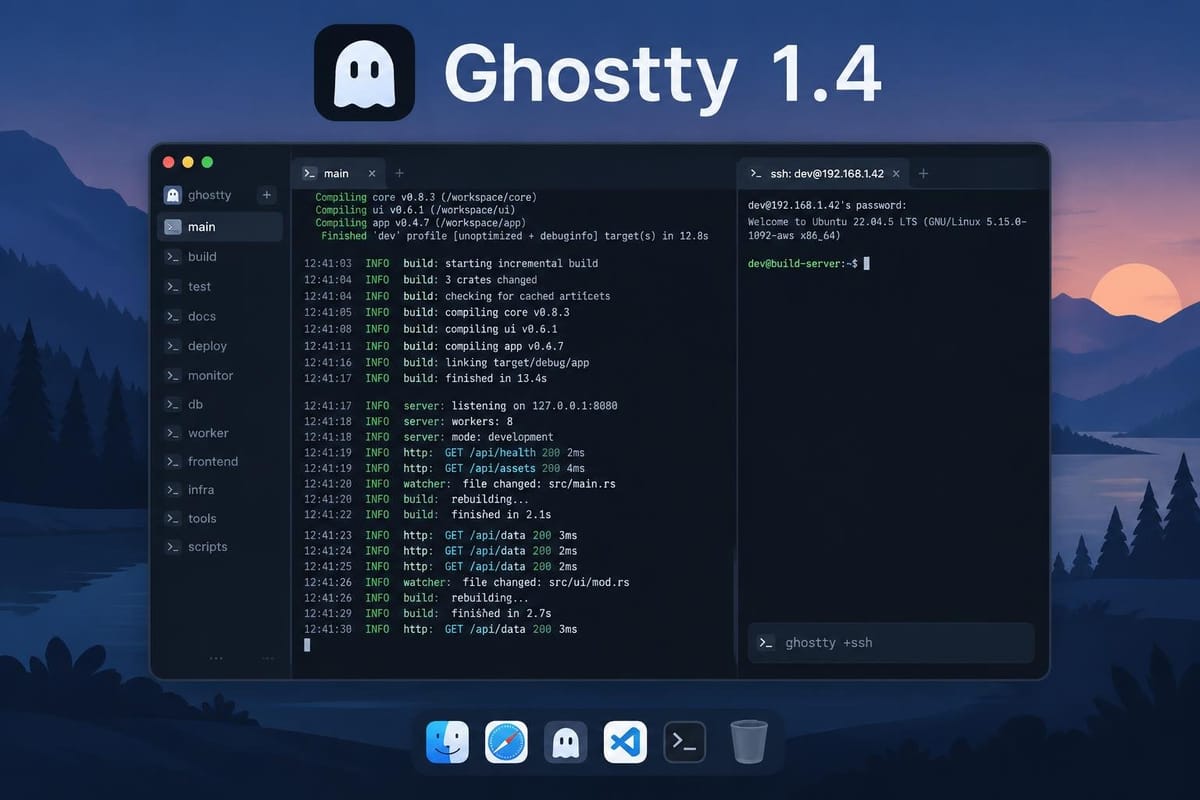
Ghostty 1.4 is less about polish than throughput, compatibility and remote sessions
Ghostty 1.4 arrives as the kind of terminal release developers notice immediately: not because it adds a flashy new UI trick, but because it changes how fast output appears, how much memory the app holds onto, and how reliably it behaves around SSH, clipboard handling and terminal compatibility.
The Oct. 27 release notes describe a major update built over 7 months, with changes from 172 contributors across 2,889 commits. The headline claims are concrete: “large performance and memory improvements,” a “100% complete Kitty graphics implementation,” SSH integration upgrades, and “hundreds more improvements and fixes” across platforms. The official notes also spell out several operational changes that matter more to day-to-day use than the release’s marketing language might suggest. Ghostty release notes
The biggest practical change: output gets faster
The most consequential improvement in 1.4 is not a new feature, but a change to the terminal’s I/O path on macOS. Ghostty says it found that the macOS kernel caps each pty read at about 1 KiB, regardless of buffer size. In prior versions, Ghostty processed each read as it arrived, which meant it repeatedly paid per-read overhead and also kept the process writing output blocked while parsing happened.
The new design drains the pty on one thread while parsing on another. Ghostty says that raises end-to-end I/O throughput by 25% to 55% on macOS on an M4 Max, for plain and Unicode text, compared with Ghostty 1.3.x. That is a meaningful gain for the exact workflows that stress terminals most: make, test suites, compiler output, log streams and other high-volume text.
The release notes connect that change to a concrete user-facing improvement: running cat on a 150 MB text file on macOS dropped from 1.5 seconds to 566 ms. That is the sort of delta a developer feels, because it affects how quickly the terminal catches up after a burst of output.
Ghostty also says VT parsing itself got much faster. In parser benchmarks, plain ASCII text rose from 128 MB/s to 725 MB/s, or 5.7x faster. CJK text improved by 3.4x, and a 2.6 GB dataset of real terminal recordings from asciinema is processed about 25% faster. Those numbers point to a broader theme: the release is not just about one pathological benchmark, but about reducing overhead across mixed terminal workloads. Ghostty release notes
Memory use is lower in ways developers will actually notice
Ghostty 1.4 also changes how memory is managed, especially around scrollback and hidden tabs.
The release notes say a new, empty terminal now uses about 16 KiB of terminal page memory on macOS, down from 128 KiB in 1.3.1. On macOS and Linux, memory freed by clearing or trimming scrollback is now returned to the OS instead of being retained until the terminal closes. That matters for long-lived sessions, especially for users who keep many tabs open or accumulate large scrollback histories.
A more striking example is hidden tabs: Ghostty says that on macOS, with one visible tab and 20 hidden tabs, GPU memory dropped from about 385 MiB to 18 MiB. Rebuilding them when a tab becomes visible again reportedly takes under 1 millisecond. That is the sort of tradeoff that makes sense for a terminal with many tabs: it reduces idle footprint without imposing noticeable lag when a hidden tab is brought back.
The release also adds scrollback compression on macOS and 64-bit Linux, and notes that compression lowers resident memory, not virtual memory. That distinction matters: if a user measures the wrong number, the feature can look ineffective even when it is doing exactly what it is supposed to do.
Kitty graphics support is now complete, with a security catch
Ghostty says 1.4 reaches 100% complete Kitty graphics implementation, including animation and relative placements, and notes that it is the first non-Kitty terminal to do so. For developers, this mostly matters if they use terminal apps that render inline images, rich previews or other Kitty graphics features.
But the release notes also make clear that broader support comes with caution. Ghostty says malicious Kitty graphics commands could crash or hang the terminal, force huge allocations, or in limited cases read or delete files outside the allowed temporary directories. That is explicitly framed as a security issue that only requires displaying malicious output. In other words, more capable graphics handling also broadens the surface area that terminal users need to trust.
That is a useful reminder that “better feature support” and “safer behavior” do not always move in the same direction. Ghostty is shipping the functionality, but the release notes also document the risk and the relevant security advisories. Ghostty release notes
SSH integration is now more practical
Ghostty 1.2 introduced SSH shell integration as work in progress. In 1.4, that becomes a dedicated ghostty +ssh CLI action, which the project describes as a drop-in SSH wrapper.
The implementation detail matters: ghostty +ssh user@example.com first installs Ghostty’s terminfo on the remote host so the xterm-ghostty TERM value can be used, and forwards COLORTERM, TERM_PROGRAM and TERM_PROGRAM_VERSION. If the terminfo install fails, it falls back to TERM=xterm-256color.
That is the sort of feature that can quietly reduce friction for developers who jump between local and remote sessions. It also addresses a common source of terminal weirdness: a local emulator claiming capabilities the remote host does not know about. The early discussion around the release shows users already focusing on this point; one commenter said they had seen strange behavior when SSHing into some machines and hoped the release might finally let them ditch iTerm2. Another reply suggested the existing issue may have been Ghostty setting TERM to xterm-ghostty on a destination that did not recognize it, with ghostty +ssh as the temporary fix. That discussion is not proof of the underlying bug pattern by itself, but it does show where the release is landing with users: remote compatibility is a practical stress point, not a theoretical one. HN discussion
Compatibility work goes beyond graphics and SSH
A large part of 1.4 is about getting closer to xterm behavior where programs expect it. The release notes say Ghostty fixed differences in cursor movement within margins, tab stops, character sets, mode reports and more. It also adds several new sequences: soft terminal reset (DECSTR), extended cursor position reports (DECXCPR), backarrow key mode (DECBKM) and screen size reports in characters (CSI 19 t).
That sounds esoteric, but these are the kinds of details that can affect TUIs, shell integrations and terminal-based editors. Ghostty also adds visibility reports (mode 2033), allowing programs to detect when the terminal is hidden so they can stop rendering in the background.
The release introduces two sequences that are disabled by default because they can be abused by untrusted programs:
# Allow programs to resize the window (CSI 8 t)
vt-window-resize-allowed = true
# Allow programs to request screen checksums (DECRQCRA)
vt-xt-checksum-report = true
That is a useful example of the release’s posture: more compatibility, but not at any cost. Ghostty is explicit that some capabilities are off by default because remote or untrusted software could misuse them.
Several changes are real quality-of-life improvements, but not all are strategic
Not every item in 1.4 is a structural shift. Some changes are simply good UX:
middle-click-actionnow lets users choose between primary selection paste, clipboard paste or ignore.move_tab_to_new_windowmoves the current tab into its own window.+explain-configprints documentation for a setting or binding action.+show-configand+explain-confignow page their output through$GHOSTTY_PAGERor$PAGERwhen run interactively.- Scrollback search wraps around when you move past the first or last match.
- OSC 8 hyperlinks can now be disabled entirely with
link-osc8 = false.
These are useful additions, but they are not the release’s main story. They improve ergonomics, yet they do not change the terminal’s performance envelope or compatibility profile the way the I/O, memory and SSH work does.
The most important caveat: Windows support in the GUI is being dropped
The release notes contain one of the most consequential strategic changes in the entire postscript: Ghostty says it is dropping any roadmap for Windows support in the Ghostty GUI. The project says libghostty fully supports Windows and is tested in CI, and that downstream projects should use the library instead.
That is an important line in the sand. It means Ghostty is separating the embeddable terminal core from the GUI application’s platform ambitions. For developers, the implication is that Ghostty’s cross-platform story is still alive, but not in the same form everywhere. The GUI is narrowing its roadmap; the library is where Windows support lives.
The release notes also say the release cycle remains 6 months, that 1.4 was delayed by one month, and that Ghostty 1.5 is planned for March 2027. So this is not a one-off burst of development; it is part of a predictable cadence. Ghostty release notes
What to watch in practice
For developers, Ghostty 1.4 matters most if they fall into one of four groups:
- Heavy output users — people compiling large codebases or streaming logs will feel the I/O and parser changes first.
- Tab-heavy users on macOS — the hidden-tab GPU memory reduction is a real operational win for long sessions.
- Remote-session users — the new
ghostty +sshwrapper is built to reduce TERM and terminfo mismatch pain. - Terminal-integrated app users — Kitty graphics support and compatibility fixes help richer terminal workflows, but with some security tradeoffs.
The strongest case for 1.4 is therefore not “more features,” but “fewer terminal bottlenecks.” It is a release focused on making Ghostty less visible as a layer between the user and their work. That is exactly what a terminal emulator is supposed to do — and it is also why release notes full of performance, memory and compatibility details matter more than a generic roundup of new toggles.
Source: Ghostty 1.4 release notes, Oct. 27, 2026; early user discussion on Hacker News.

Comments ()